People
Colleagues across every location
Find individual colleagues, explore teams by location and understand their distribution across buildings and floors.
People by location and role
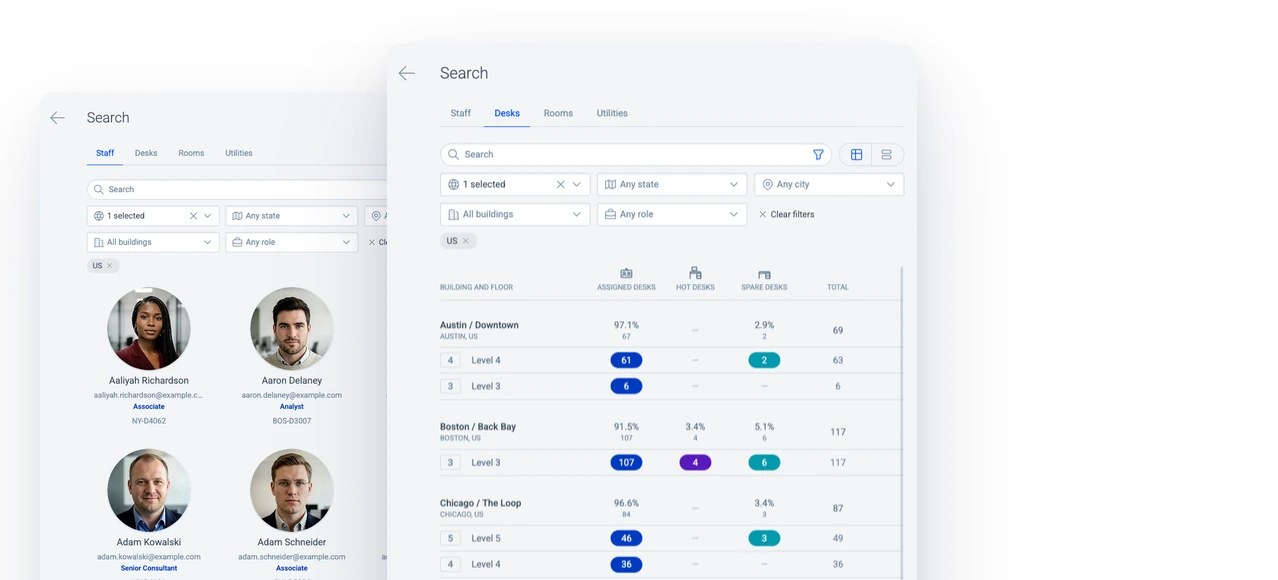
Explore colleagues by location and role in the staff directory. Filters narrow the results by country, state, city or building, with profiles showing roles and contact details.
Explore the staff directoryDesks overview
Compare desk counts across buildings and floors to understand the space inventory. The summary distinguishes assigned, hot and spare desks within the locations that match the filters.
Explore analytics & reportingRooms across buildings and floors
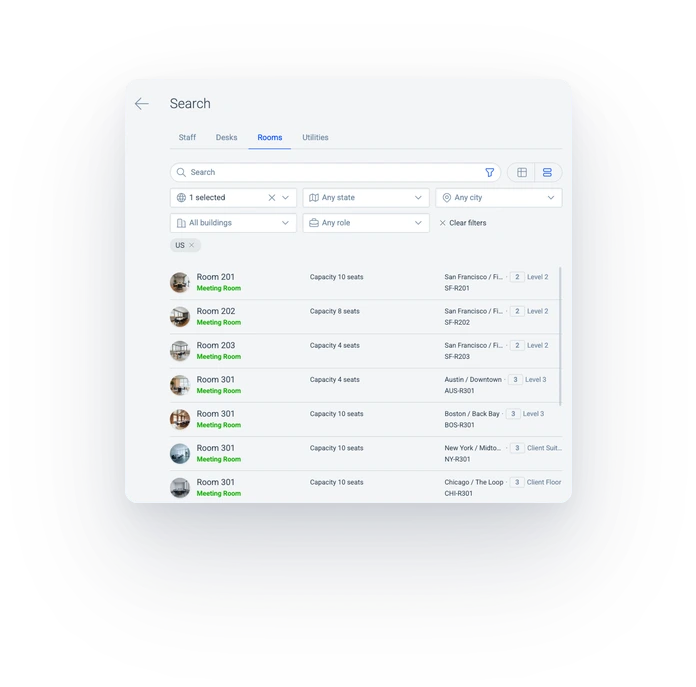
Find rooms by name across buildings and floors. Each result identifies the room’s building and floor, while the floor plan shows its position within the office.
Search by name, role or location
Find colleagues across office locations by name, role or location. Combine a role with a city or building to find people whose profiles match both.
Colleagues on the floor plan
See a colleague or team in the context of the surrounding office. Floor search highlights matching markers and dims the others, making the relevant seating area clear.
Explore interactive floor plansSearch with a close spelling
Find the right colleague with a close spelling of a longer name. The matching profile provides a photo, role and contact details to confirm the person.
Workplace
Desks, rooms and resources within reach
Find the spaces and shared resources your team needs, with clear locations throughout the workplace.
Desks
Find a particular desk by its number or explore desks at an office location. Assigned, hot and spare desks are part of the same workplace search.
The floor plan provides the desk’s position within the seating area, with its details alongside. Desk numbers and location information identify the relevant seat.
Rooms
Locate a named room across office buildings and floors. Room names and location information provide a starting point for finding the space.
The floor plan shows the room within the surrounding office layout. Its details provide the building and floor, helping colleagues identify the meeting location before an office visit.
Resources
Find shared resources such as printers throughout the workplace. Search spans buildings and floors, with location information to distinguish resources in different offices.
A resource’s position on the floor plan provides the detail needed to locate it within the building. The surrounding office layout gives context to its name and location.
Geographic overview
Buildings across office locations
Find office buildings across countries, states and cities, and explore colleagues, desks and rooms within each geographic area.
Building search and views
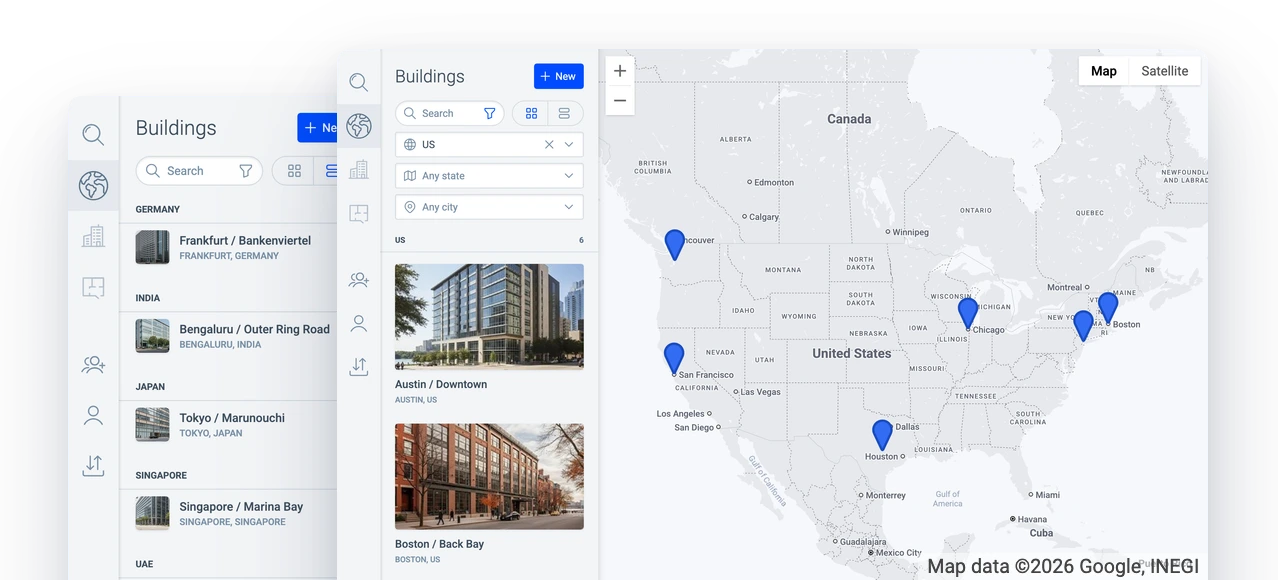
Explore buildings & campusesFind office buildings by name or narrow the selection by country, state or city. Cards show each building individually, while the list groups offices by country. The locations map adds geographic context to the selected offices, with their positions shown alongside.
Related
Staff directory
Colleague profiles bring photos, roles, contact details and desk numbers together.
Interactive floor plans
Floor plans show the locations behind colleague and resource search results.
Buildings & campuses
The building list and locations map provide an overview of office locations.